
Compliance
Sharing and Teams after moving to GCC High
Short answer
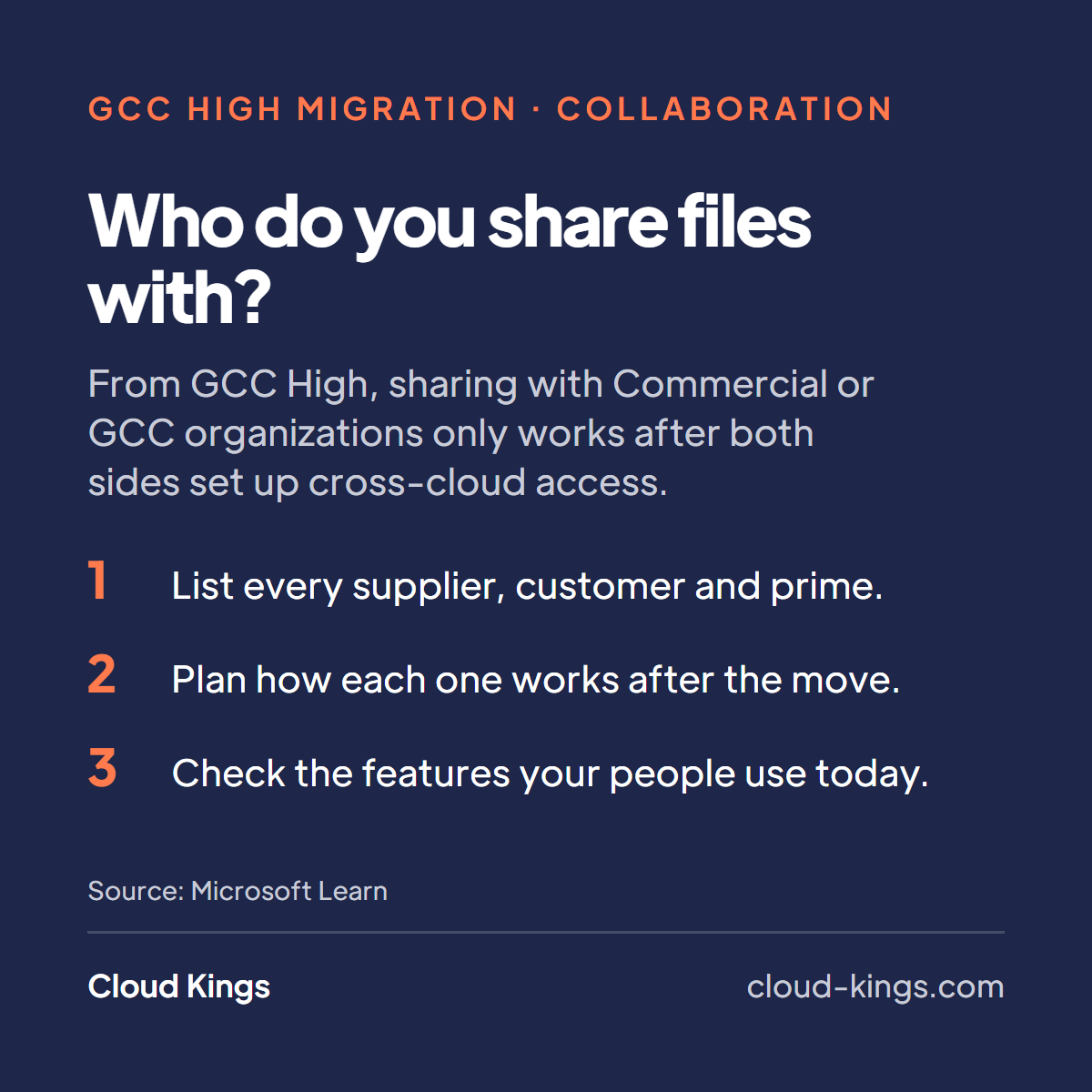
Moving to GCC High doesn’t cut you off from primes and suppliers on commercial Microsoft 365 or GCC. It does mean nothing crosses the line until both organizations set it up (national-cloud B2B, cross-cloud guest access). Files and Teams channels work through cross-cloud guest access. Meetings can be joined three ways. Chat between clouds is text-only. Phones run through Direct Routing, because Microsoft’s PSTN calling plans aren’t offered in GCC High (GCC High service description). And CUI stays on your side of the line.
The reason is where each tenant lives. GCC High runs in Microsoft Azure Government. Commercial and GCC both run in Microsoft Azure Commercial (cross-cloud guest access). So a supplier on GCC is on the other side of the line too, even though GCC has “government” in its name. If you’re still deciding which product family you need, start with GCC High, GCC or commercial.
Files
Sharing SharePoint and OneDrive content with a partner in another cloud is a supported scenario, once it’s configured (cross-cloud settings). B2B collaboration isn’t enabled by default across national cloud boundaries (national-cloud B2B). Both tenants have to do three things (national-cloud B2B, cross-cloud guest access, cross-cloud settings):
- Turn on the other cloud in Microsoft cloud settings, under cross-tenant access settings in Microsoft Entra ID.
- Add the other organization by its tenant ID. You can’t look up a tenant by domain name across clouds (cross-cloud settings).
- Set inbound and outbound access for that organization, either for everyone or for named users and groups.
Turning on a cloud doesn’t open anything by itself. Once you enable another cloud, B2B collaboration with every organization in it stays blocked until you add that organization (cross-cloud settings).
People from the partner come in as B2B guests. Microsoft doesn’t support B2B member accounts for cross-cloud users (cross-cloud guest access), and you invite them by their user principal name, because email as sign-in isn’t supported across clouds (cross-cloud settings). Microsoft also says the SharePoint and OneDrive integration with Entra B2B gives the best experience for inviting people from another cloud (cross-cloud settings). Tenants provisioned after June 2023 have it on by default, and older tenants need it switched on (cross-cloud collaboration). Check it either way.
One thing that confuses people: Microsoft’s GCC High service description still says GCC High users can share only with other GCC High organizations (GCC High service description). Microsoft’s newer Entra and Microsoft 365 guidance describes the configured cross-cloud route (cross-cloud guest access, cross-cloud settings). Plan on configured access, and test it with one partner before you rely on it.
Teams chat and meetings
Teams with guests. Once a partner’s people are guests in your tenant, you can add them to a team. Cross-cloud guests get channels, channel files, meetings and both one-to-one and group chat (cross-cloud collaboration). They switch to a guest profile in Teams to work in your tenant, and attaching files to one-to-one or group chats isn’t supported for them (cross-cloud collaboration). Their chat data is stored only in your tenant, not copied to theirs (cross-cloud collaboration).
Shared channels aren’t available across clouds. They run on B2B direct connect (B2B direct connect), and Microsoft doesn’t support B2B direct connect with tenants in a different Microsoft cloud (cross-cloud settings). Plan on guest access instead.
Chat without a guest account. Teams external access lets people in two organizations chat without guest accounts, as long as each organization allows the other (Teams external access). Between GCC High and Commercial or GCC, that chat is text-only, without the formatting and @mentions you get inside one cloud (native external chat). Microsoft also says the chat history from an external access chat is stored in both users’ tenants (cross-cloud collaboration). That matters for CUI, as covered below.
Meetings. Microsoft gives three ways for someone in another cloud to join your meetings (cross-cloud meetings):
- A cross-cloud meeting connection. Partners join signed in with their own account, no guest account needed. Each tenant turns on the other cloud and adds the other organization in Teams meeting settings, and both sides have to configure it (cross-cloud meetings).
- A guest account. Anyone you’ve invited as a guest joins with that guest account, not through a meeting connection (cross-cloud meetings).
- Anonymous join. The attendee types any name, waits in the lobby and shows as “(Unverified)” (cross-cloud collaboration).
If your Conditional Access policies require multifactor authentication, cross-cloud attendees can be blocked at sign-in. Microsoft’s recommended fix is to trust MFA from the partner’s home tenant in your cross-tenant access settings (cross-cloud meetings).
Two things simply aren’t available in GCC High: chat and meetings with unmanaged personal Teams accounts, and chat with Skype users (Teams external access).
Calling
PSTN Calling and Conferencing aren’t available in GCC High. Phone System and Audio Conferencing are delivered through Direct Routing (GCC High service description, Teams service description).
Direct Routing connects your own telephony to Teams Phone through a customer-provided, Microsoft-certified Session Border Controller, and GCC High uses its own dedicated SIP connection points (Direct Routing plan). Audio Conferencing for GCC High uses your organization’s own numbers as dial-in numbers, and it needs a tenant license plus a license for each user who sets up dial-in meetings (audio conferencing for GCC High). Microsoft recommends finishing Direct Routing before you assign those licenses (Direct Routing plan). How GCC High seats are bought is on our GCC High licensing page.
For partners, none of this changes much. They call your numbers and dial into your meetings like any other phone number. The work is on your side, before cutover, and it’s covered under what’s different afterwards in our Microsoft 365 GCC High migration guide.
Guests and CUI
CUI should never sit on commercial Microsoft 365. Cross-cloud collaboration doesn’t change that rule. It changes where you have to watch.
- Guest access keeps the work in your tenant. Files stay on your SharePoint and guest chat stays in your tenant (cross-cloud collaboration). You can limit inbound access to specific users and groups, such as people who signed a non-disclosure agreement (cross-cloud guest access).
- Apply your controls to guests. Conditional Access can apply to cross-cloud guests, and you can choose to trust MFA or device compliance claims from their home tenant (cross-cloud settings). Sensitivity labels with encryption can restrict what specific people can do with a file (sensitivity labels), and DLP covers Teams chat and channel messages as well as SharePoint and OneDrive (Purview DLP). Check each control is available in GCC High before you design around it (government feature differences).
- Keep CUI out of external access chat. Microsoft’s cross-cloud collaboration guidance says external access chat history is stored in both users’ tenants (cross-cloud collaboration), so keep CUI off that path. The same goes for anonymous meetings, where you can’t verify who joined.
- Downloads leave your boundary. A guest who downloads a file onto their own device has moved it outside your tenant. Use guest access to work on CUI where it sits, and restrict downloads where the work allows it.
Your partner’s obligations are their own. When a subcontract involves covered defense information, DFARS 7012 flows down to the subcontractor (DFARS 252.204-7012). Where they keep it is their decision, made against their own contract. If a partner says they need to hold your CUI on their side, settle that with them before anything is shared.
A checklist for your partners
Send this to each organization you work with before cutover. The full list for the whole move is in our GCC High migration checklist.
- Which cloud are you in? Commercial, GCC, GCC High or DoD (cross-cloud guest access).
- What’s your tenant ID? We’ll send ours. Cross-cloud setup needs it, not a domain name (cross-cloud settings).
- Can your admin enable Microsoft Azure Government in Microsoft cloud settings and add our organization? (cross-cloud guest access, cross-cloud settings)
- Who on your side needs access? Send names and user principal names, so we invite the right accounts (cross-cloud settings).
- Do you want to join meetings signed in? Then add a cross-cloud meeting connection to us in Teams meeting settings (cross-cloud meetings).
- Do you use MFA? If yes, we’ll trust it, so your people aren’t blocked from our meetings (cross-cloud meetings).
- Do you want one-to-one chat? Allow our domain in Teams external access, and know it’s text-only (native external chat, Teams external access).
- Is your network ready? Allow the GCC High endpoints Microsoft publishes, so meetings and files load (cross-cloud guest access).
- Will you receive CUI from us? If so, let’s agree where it lives before we share it (DFARS 252.204-7012).
- Can we test with one person and one file before the real work moves?
If you’re moving only part of the company, the same list applies between your own two tenants. More on that in GCC High enclave or full migration.
Talk it through
We map external collaboration as part of every migration: who you share with, which cloud they’re in and what replaces each path, before cutover. Tell us who you work with and what you send them, and we’ll go through it with you.
We waive the setup fee when you sign up for managed services for 48 months.
Frequently asked
- Can a GCC High tenant share files with a Commercial or GCC tenant?
- Yes, once both organizations set it up. Each enables the other cloud in Microsoft Entra, adds the other organization by tenant ID and sets inbound and outbound access. Partner users then join as B2B guests.
- Can partners join our Teams meetings without a guest account?
- Yes. A cross-cloud meeting connection lets them join signed in with their own account, if both tenants configure it. They can also join anonymously, but then you can't verify who they are.
- Why is chat with partners text-only?
- Microsoft only offers native Teams chat between organizations in the same cloud. Between GCC High and Commercial or GCC, external access chat is text-only.
- Can we use Teams shared channels with partners outside GCC High?
- Shared channels run on B2B direct connect, and Microsoft doesn't support B2B direct connect across clouds. Add partners to a team as guests instead.
- Can we keep Microsoft calling plans after moving?
- No. PSTN Calling and Conferencing aren't available in GCC High. Teams phone and audio conferencing are delivered through Direct Routing with your own Session Border Controller and numbers.
- Can partners on commercial Microsoft 365 work on our CUI?
- Through guest access, the files and guest chat stay in your tenant under your controls. If they download or store CUI on their side, that's their compliance decision under their own contract. Our position is that CUI should never sit on commercial Microsoft 365.
Continue reading
-
Azure Government for defense contractors
Why defense contractors pair Azure Government with GCC High for file servers, AVD, databases and apps holding CUI or ITAR data, and how it differs from Azure.
-
GCC High enclave or full migration: how to decide
Should only CUI users move to a GCC High enclave, or your whole company? Who each option suits, what changes for users, cost drivers and a decision list.